What does SaaS sprawl cost a small business?
Written by Mitch Crevier and Aarush Bhardwaj
11 min read
TL;DR
SaaS sprawl costs a small business in two currencies: subscriptions that are paid for and barely used, and hours spent carrying information between tools that do not talk to each other. The subscriptions are visible on the card statement. The hours are invisible and usually larger. Cancelling tools or migrating to a suite fixes the small bill and leaves the big one alone; a workspace on top of the tools you keep addresses both.
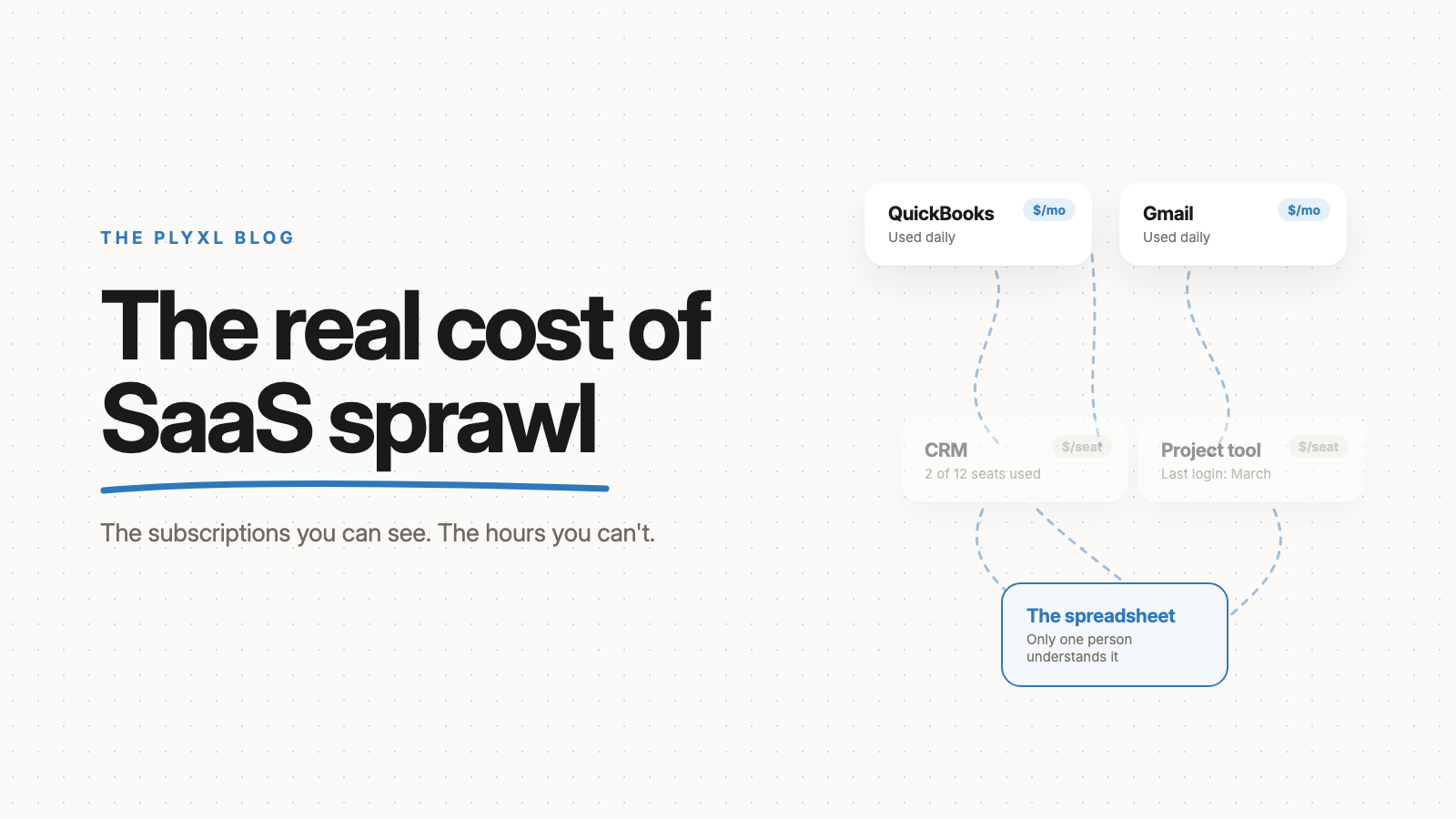
SaaS sprawl costs a small business in two currencies: the subscriptions it pays for and barely uses, and the hours its people spend carrying information between tools that do not talk to each other. The subscriptions show up on the card statement, and they are the smaller bill. The hours never show up anywhere, and for most small businesses they are the larger one. Cancelling tools fixes the first cost and leaves the second alone.
This post lays out both costs, how to measure them in your own business without guessing, and what each of the four common fixes actually addresses.
What is SaaS sprawl?
SaaS sprawl is subscription software accumulating in a business faster than anyone is managing it: tools bought one at a time, by different people, for one problem each, none of which know about each other. Each subscription was a reasonable answer to a real problem on the day it was bought. The sprawl is what those answers add up to three years later.
At ten employees it looks like this: QuickBooks for the books, Gmail and Google Calendar for the day, a CRM someone set up in 2023 and half the team ignores, a scheduling tool, a form builder, a project tracker on a free plan that became a paid plan, and a set of spreadsheets holding everything the other tools could not. Nobody chose that stack.
The best published measurement comes from larger companies, because they are the ones who measure. Zylo's 2026 SaaS Management Index, built on spend data from its customers, puts the average company's portfolio at 305 applications, with a median of 240. A small business has a fraction of that count, and the same mechanism.
What are the visible costs of SaaS sprawl?
The visible costs of SaaS sprawl are the subscriptions themselves: seats nobody uses, two tools doing the same job, and a plan tier bought for one feature. They are visible because they have a line on a statement, and they are the costs every "cut your software spend" article is about.
Unused seats are the largest of them. In Zylo's SaaS statistics roundup, license utilization across its customers rose from 47% in 2024 to 54% in 2025. Read the other way: even after a year of improvement, nearly half of paid seats went unused. Those are enterprise figures, and a small business tends to be tighter, but anyone who has counted the seats on a per-user plan against the people who actually log in knows the pattern.
The other visible costs are quieter: two tools that overlap because two people solved the same problem separately, a plan tier upgraded for one report, a subscription that renews annually to a card nobody checks.
What are the invisible costs of SaaS sprawl?
The invisible costs of SaaS sprawl are the hours a business spends being the integration layer between its own tools, and they are usually larger than the subscription bill. When tools do not talk to each other, a person carries the data between them: reads the email, checks the invoice in QuickBooks, updates the status in the spreadsheet, writes the reply by hand. Every day, for years, and on no budget line.
The clearest measurement of that cost is a Harvard Business Review study by Rohan Narayana Murty, Sandeep Dadlani, and Rajath B. Das, who tracked 137 workers across three Fortune 500 companies. People switched between apps and websites nearly 1,200 times a day and spent just under four hours a week reorienting after those switches, roughly nine percent of their working time. The authors described the pattern directly:
Most enterprise applications weren't designed to connect to each other, which means that people operate in "swivel chair" roles.
Their subjects worked at very large companies. At a ten-person business the swivel chair is the same, and the person sitting in it is usually the owner, whose hour is the most expensive one in the building.
The hours are only the first invisible cost. There are four more:
- The truth lives in a spreadsheet. When no tool holds the whole picture, someone builds one, and the real state of the business becomes a file only they understand.
- Retyping creates errors. Every value copied by hand is a chance for two systems to disagree, and reconciling them later is work nobody scheduled.
- Attention leaks. Gloria Mark, Chancellor's Professor of Informatics at UC Irvine, has studied attention at work for two decades, and her finding is that each switch costs effort to reorient, beyond the seconds the switch itself takes.
- The software you never got. The dispatch board, the client status tracker, the morning dashboard: tools your business needs and nobody sells, unbuilt because building them meant hiring a developer.
How do the visible and invisible costs compare?
The visible costs of SaaS sprawl are easy to measure and small; the invisible costs are hard to measure and large. Side by side:
| Cost | Visible or invisible | Where it shows up | How to measure it |
|---|---|---|---|
| Unused seats | Visible | Card statement | Seats paid for versus people who logged in last month |
| Overlapping tools | Visible | Card statement | Two subscriptions with the same job |
| Plan tiers bought for one feature | Visible | Card statement | Features on the plan versus features anyone uses |
| Retyping between tools | Invisible | Nowhere | Tally each copy for one week, multiply by an hourly rate |
| Checking status across tabs | Invisible | Nowhere | Time one "how are we doing" question from start to answer |
| A spreadsheet only one person understands | Invisible | Nowhere, until that person is away | What stops when they take a week off |
| Errors from double entry | Invisible | Month-end reconciliation | Corrections made last month, and the hours they took |
| Software never built | Invisible | Nowhere | The tools you have wanted for years and never bought |
The cancel-your-subscriptions approach addresses the first three rows. The other five are where the money is.
How do you work out what SaaS sprawl costs your business?
You work out the cost of SaaS sprawl with a three-part audit that takes about a week and needs no software: a statement review, a seat count, and a retyping tally. No published benchmark will be as accurate as your own numbers, so measure rather than estimate.
- Pull twelve months of card statements and list every software charge, including the annual ones, which are the easiest to forget. Next to each, write who owns it and what it is for.
- Count seats against logins. For each per-user subscription, compare the seats you pay for with the people who signed in last month. Most tools show this on the admin page.
- Tally the retyping for one week. Ask each person to make a mark every time they copy information from one tool into another, or open a second tool to answer a question the first should have answered. Add up the marks, estimate a minute or two per mark, and multiply by what an hour of that person's time costs.
The third number is nearly always the surprise.
What are the ways to fix SaaS sprawl?
There are four ways to fix SaaS sprawl, and they address different costs: cancelling tools, moving to an all-in-one suite, wiring tools together with an integration tool, or putting a business workspace on top of the tools you keep.
| Cancel and consolidate | All-in-one suite | Integration tool (Zapier) | Business workspace | |
|---|---|---|---|---|
| Fixes the visible cost | Yes | Partly, the suite has its own bill | No | Partly, by retiring the spreadsheet layer |
| Fixes the retyping | No | Within the suite only | For the flows you wire up | Yes, across every connected tool |
| Fixes the tab-switching | No | Within the suite only | No | Yes, one place to see and act |
| Builds the software you were missing | No | No | No | Yes, from a description |
| What it costs to start | An afternoon | Months of migration and retraining | Hours per flow, ongoing | One sign-in per tool |
| What it breaks | Nothing, if you only cut unused tools | Every workflow at once | Nothing | Nothing; the tools stay |
Cancelling is worth doing and stops early. A suite dies at migration: moving years of records is months of work, and the suite's version of each tool is usually weaker than the one it replaced. An integration tool removes specific retyping but gives the team nowhere to work. A business workspace connects the tools through one sign-in each, keeps the data where it lives, and builds the apps, automations, and agent on top. For the full definition, read what a business workspace is.
What does fixing SaaS sprawl look like in practice?
In practice, fixing SaaS sprawl means keeping the tools that do their job, retiring the spreadsheet layer between them, and building the one or two apps the business never had. Three examples, each a typical small business rather than a specific customer:
- A 12-person HVAC company pays for a CRM, a scheduling tool, QuickBooks, and Google Workspace, and runs dispatch from a whiteboard anyway. The audit finds the CRM has two active users out of twelve seats, so it goes. The office manager describes a dispatch board in one sentence, on top of Google Calendar and QuickBooks, and the whiteboard and the "who is where today" phone calls go with it.
- An eight-person bookkeeping firm runs 140 clients on QuickBooks Online plus a master spreadsheet only one partner understands. Nothing gets cancelled; QuickBooks is the business. A client status tracker built from a description replaces the spreadsheet, and a missing-documents chaser emails clients on the firm's behalf every Monday, with every draft approved before it sends.
- A six-person landscaping company has a form builder, an invoicing tool, and a shared inbox that nobody owns. An automation creates the customer and sends the welcome email when a form comes in, so the retyping stops. The owner's morning starts with one screen showing today's jobs, yesterday's payments, and any email from a customer with a job this week.
In all three, the tools the business relied on stayed exactly where they were. What changed is that a person stopped being the connection between them.
Why is a workspace on top cheaper than cutting tools?
A workspace on top is cheaper than cutting tools because the largest cost of SaaS sprawl is not the tools, it is the gaps between them, and cutting tools does not close a gap. Cancelling the CRM nobody used saves its subscription and does nothing for the hours someone spends swivelling between the tools that remain. Connecting those tools, and building the missing software on top, addresses the hours, and the hours are the bill.
The practical test is migration risk. If fixing sprawl means moving your data somewhere new, the fix is itself a project, and most small businesses put it off for years. If the fix is a sign-in per tool, you can start on a Tuesday afternoon. The step-by-step guide walks through that first afternoon, and the connections list covers QuickBooks, Xero, Gmail, Outlook, Google Calendar, Shopify, Stripe, and HubSpot.
Plyxl is a business workspace: connect the tools your business runs on, then build the software you need on top. It is free to start, and there is nothing to migrate: start at plyxl.com, connect the tool where the retyping happens, and ask for the first thing you wish existed.
Frequently asked questions
Is SaaS sprawl only a big-company problem?
No. The published benchmarks come from larger companies because that is who measures it, but the mechanism is the same at ten people: tools bought one at a time for one problem each, with nobody responsible for how they fit together. At a small business the person carrying data between them is usually the owner, which makes the invisible cost proportionally larger.
Should I cancel tools to fix SaaS sprawl?
Cancel the ones nobody logged into last month, and then stop. Cancelling addresses the visible cost only. The hours lost to retyping and status-checking come from the tools you keep not talking to each other, and cutting the tools you actually use makes that worse, not better.
Does moving to an all-in-one suite fix SaaS sprawl?
Partly, at a high price. A suite replaces several tools with one, which removes some switching, but it costs months of migration and retraining, its version of each tool is usually weaker than the one it replaced, and anything the suite does not cover ends up back in a spreadsheet.
Does Zapier fix SaaS sprawl?
Zapier fixes one kind of cost: it moves data between tools when a trigger fires, so some retyping goes away. It does not give the team one place to see or act across those tools, so the tab-switching and status-checking remain. It is a useful part of a fix, not the fix.
How do I know if my business has SaaS sprawl?
If someone retypes the same information into two systems every week, if the real state of the business lives in a spreadsheet only one person understands, or if a question like "how are we doing this month" takes four tabs to answer, you have it. The card statement will usually show subscriptions nobody can explain as well.