Blog
Business workspace guides for small businesses
What a business workspace is, why tools stopped talking to each other, and what changes when you can build your own software.
Last updated . Newest: Should a small business use one tool for everything or the best tool for each job?
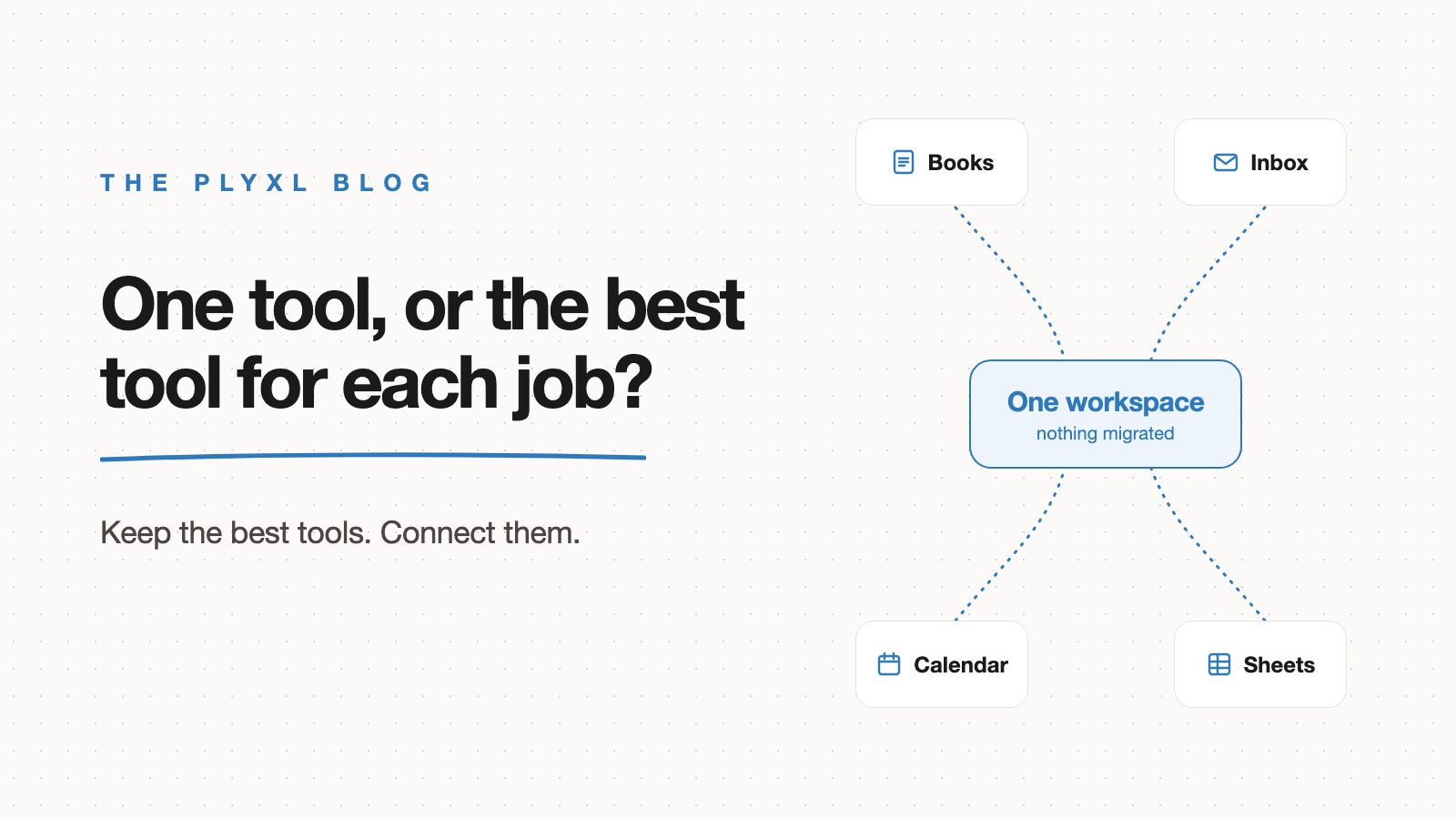
Should a small business use one tool for everything or the best tool for each job?
Most small businesses should keep the best tool for each job and connect them, instead of forcing everything into one tool. Here is how to decide.
Read article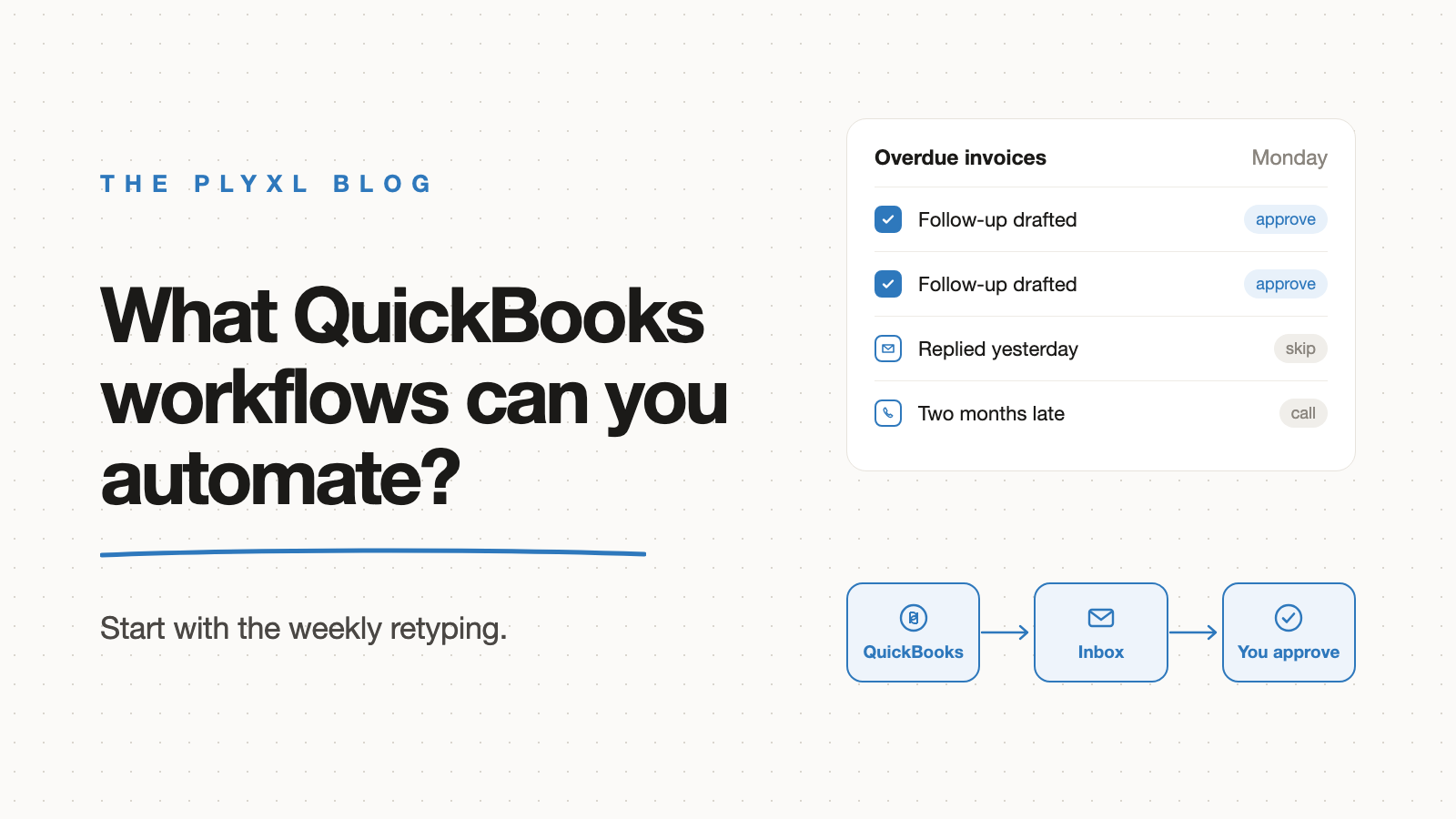
What QuickBooks workflows can a small business automate?
The QuickBooks workflows worth automating first are overdue-invoice chasing, client and job status, document collection, and invoices from finished work.
Read article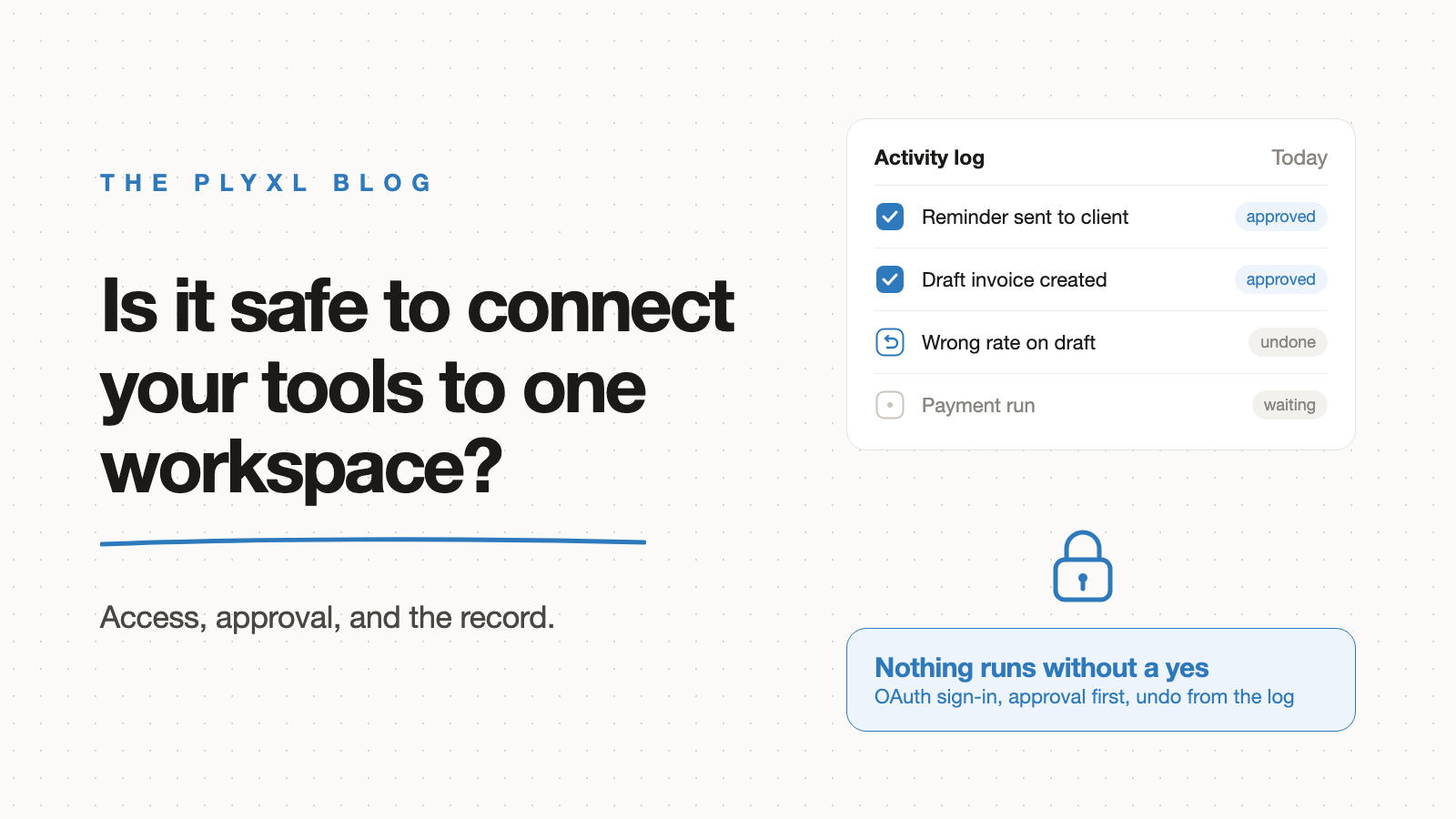
Is it safe to connect your business tools to one workspace?
Connecting business tools to one workspace is safe when the vendor uses OAuth, asks approval before acting, and keeps an audit log with undo. What to demand.
Read article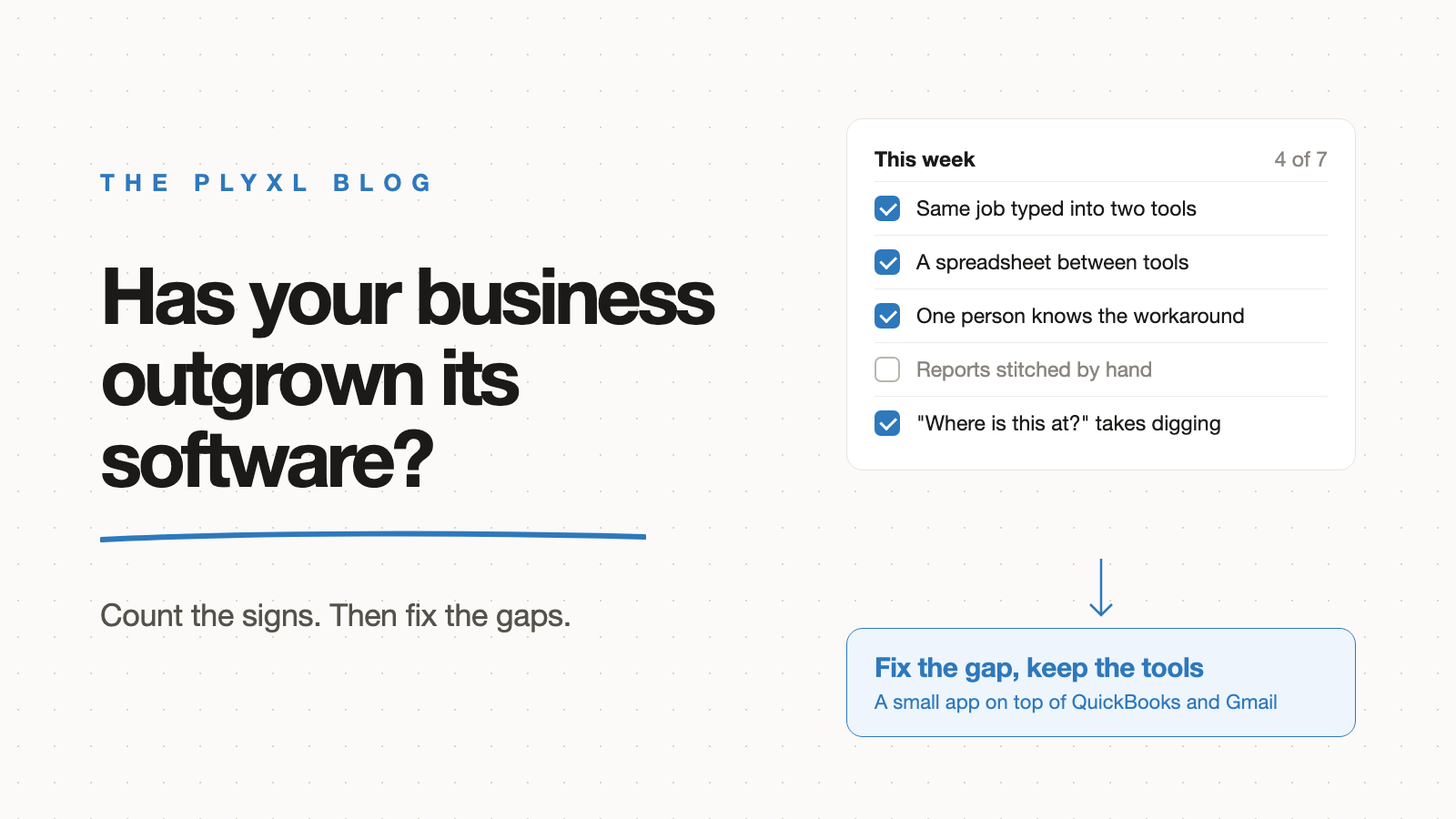
How do you know your business has outgrown off-the-shelf software?
A business has outgrown off-the-shelf software when staff re-type data between tools and spreadsheets fill the gaps. A checklist of signs, and what to do.
Read article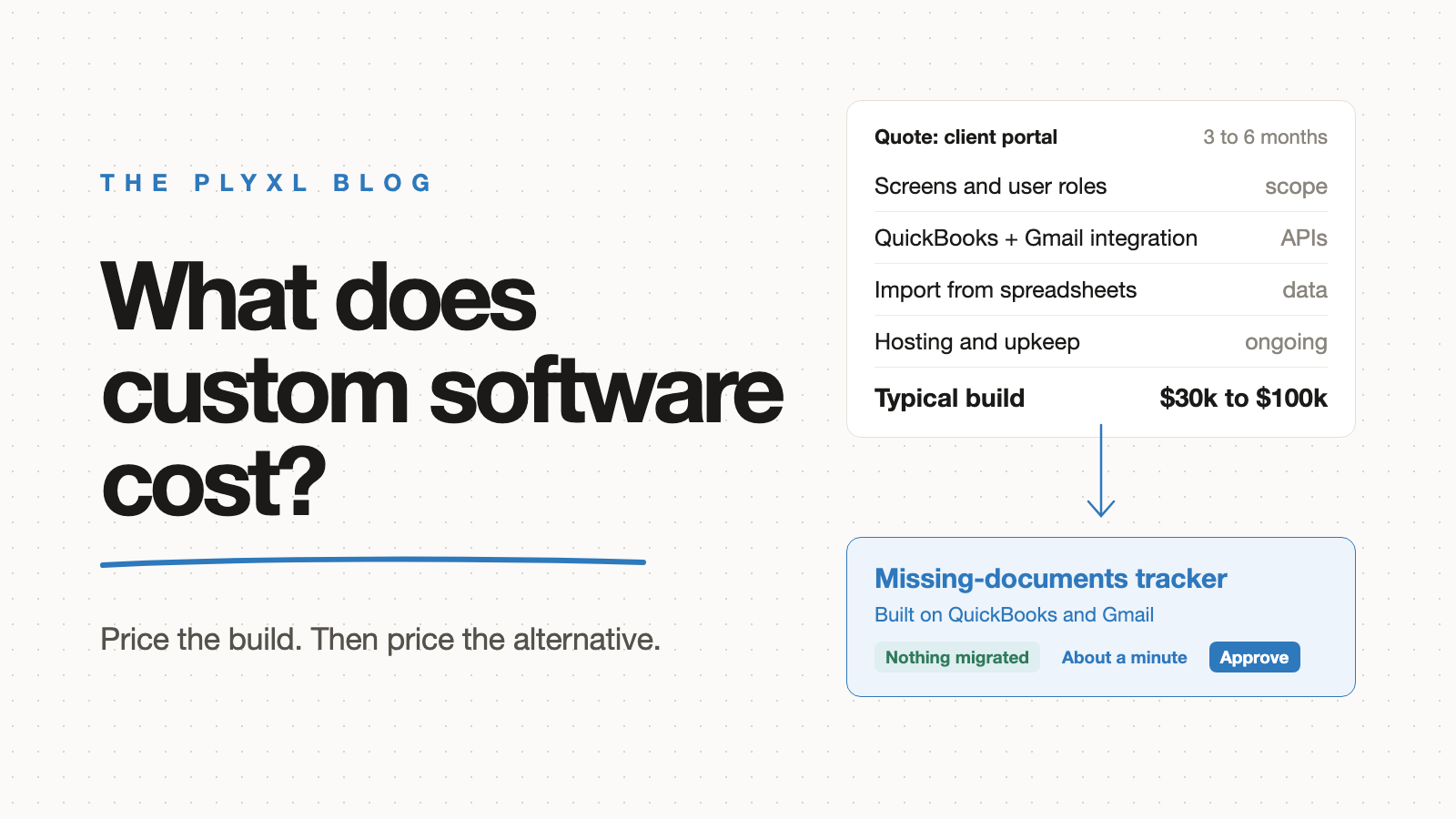
How much does custom software cost for a small business?
Custom software for a small business usually costs tens of thousands of dollars and takes months. What drives the price, and the cheaper alternative.
Read article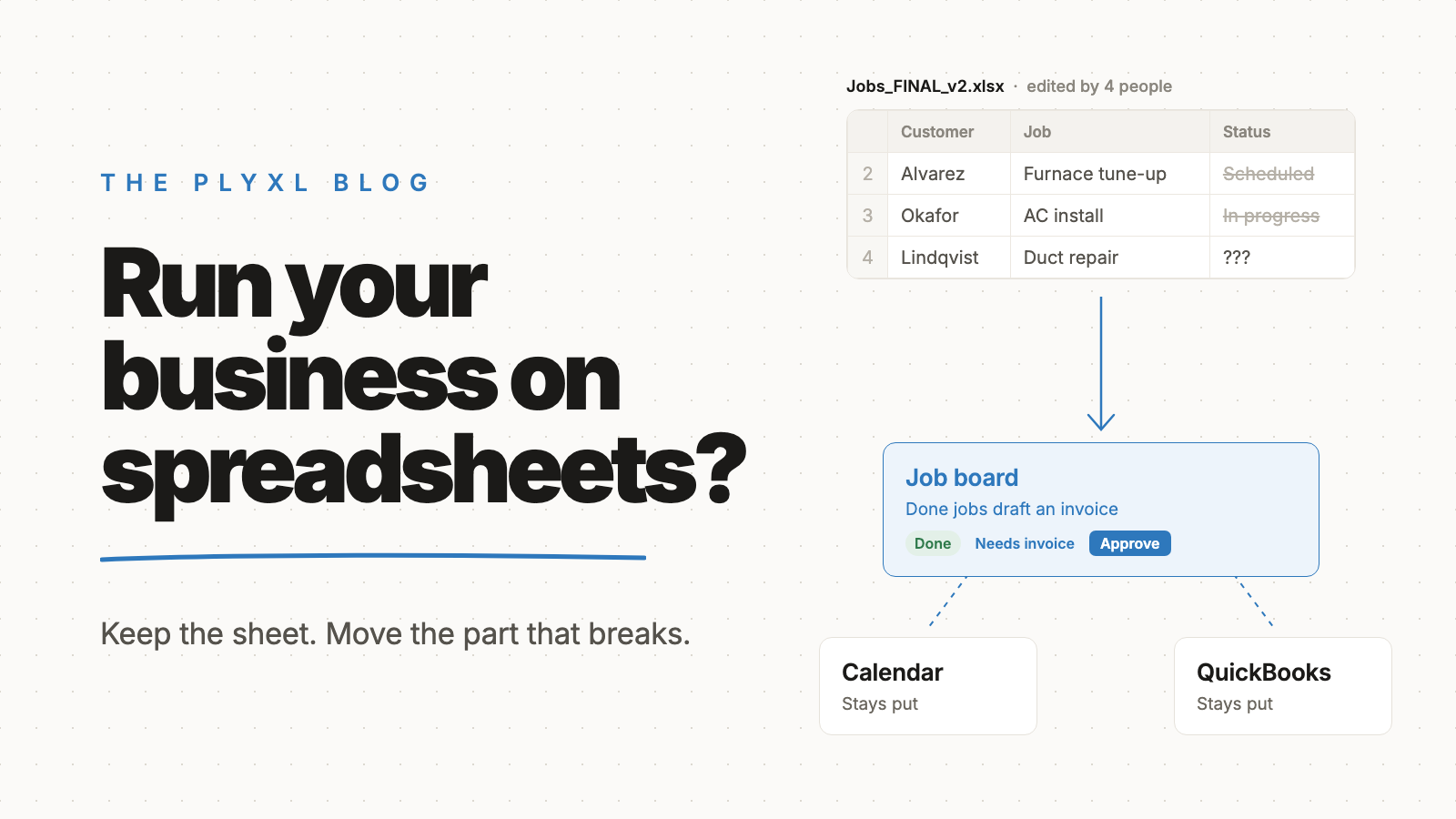
Is it bad to run a business on spreadsheets?
Running a business on spreadsheets is not bad at first. It breaks when several people edit, history matters, or work should happen on its own.
Read article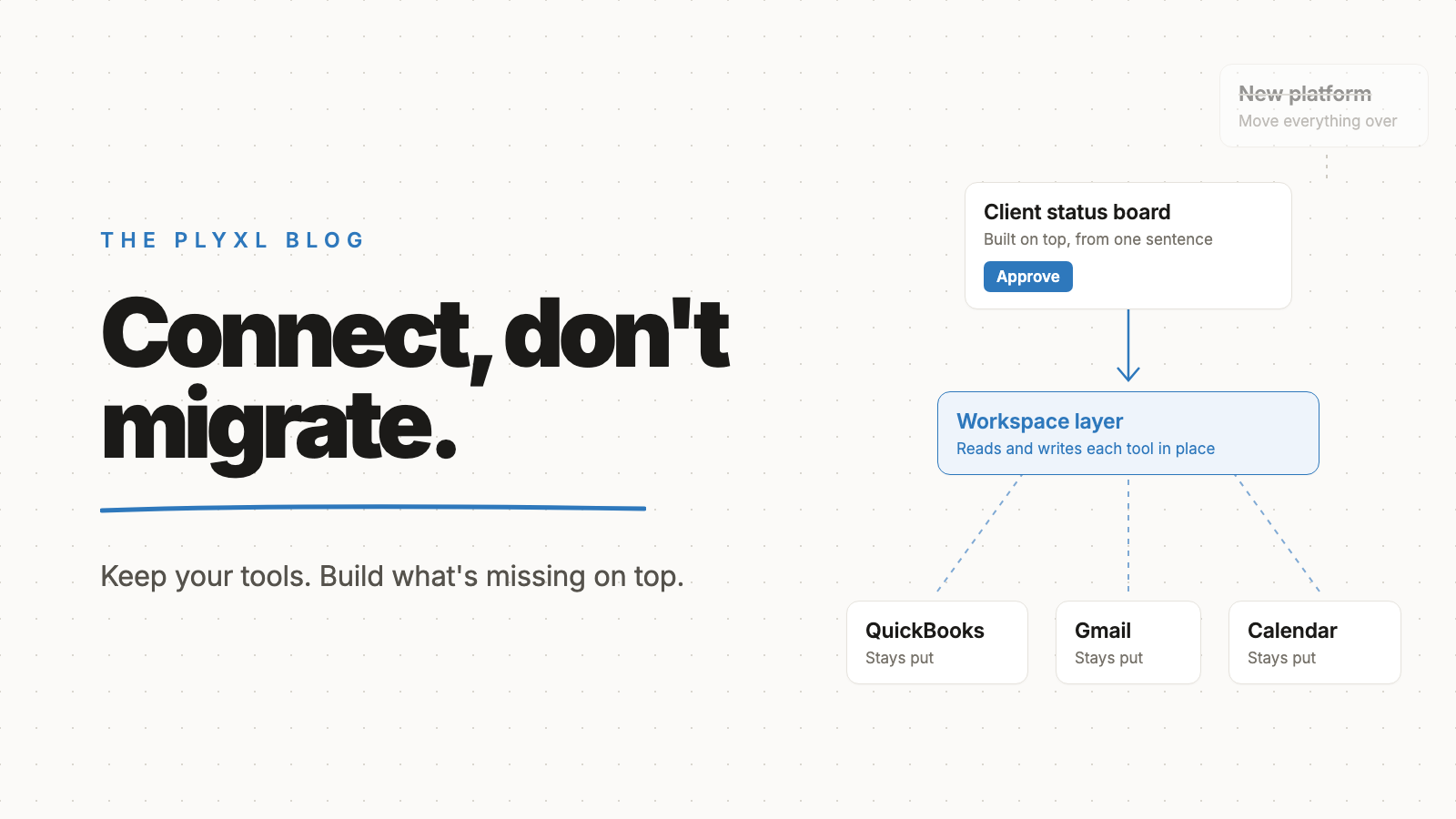
Why "connect, don't migrate" beats switching software
Connecting the software a small business already uses beats migrating to new software: no data move, no retraining, no cutover risk, and value on day one.
Read article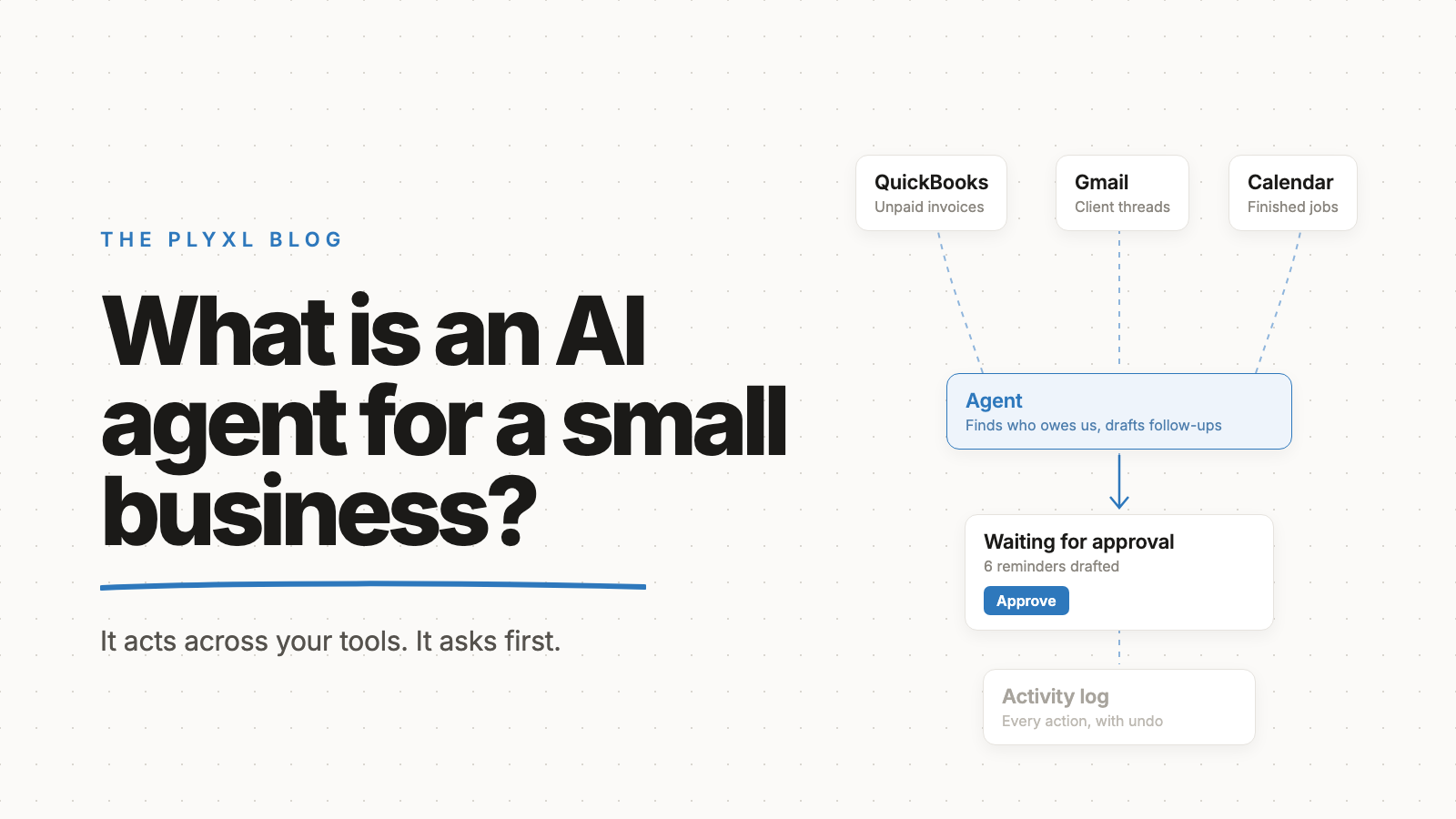
What is an AI agent for a small business?
An AI agent for a small business is software that takes a goal, works across your tools to reach it, and asks before it acts. What it can and cannot do.
Read article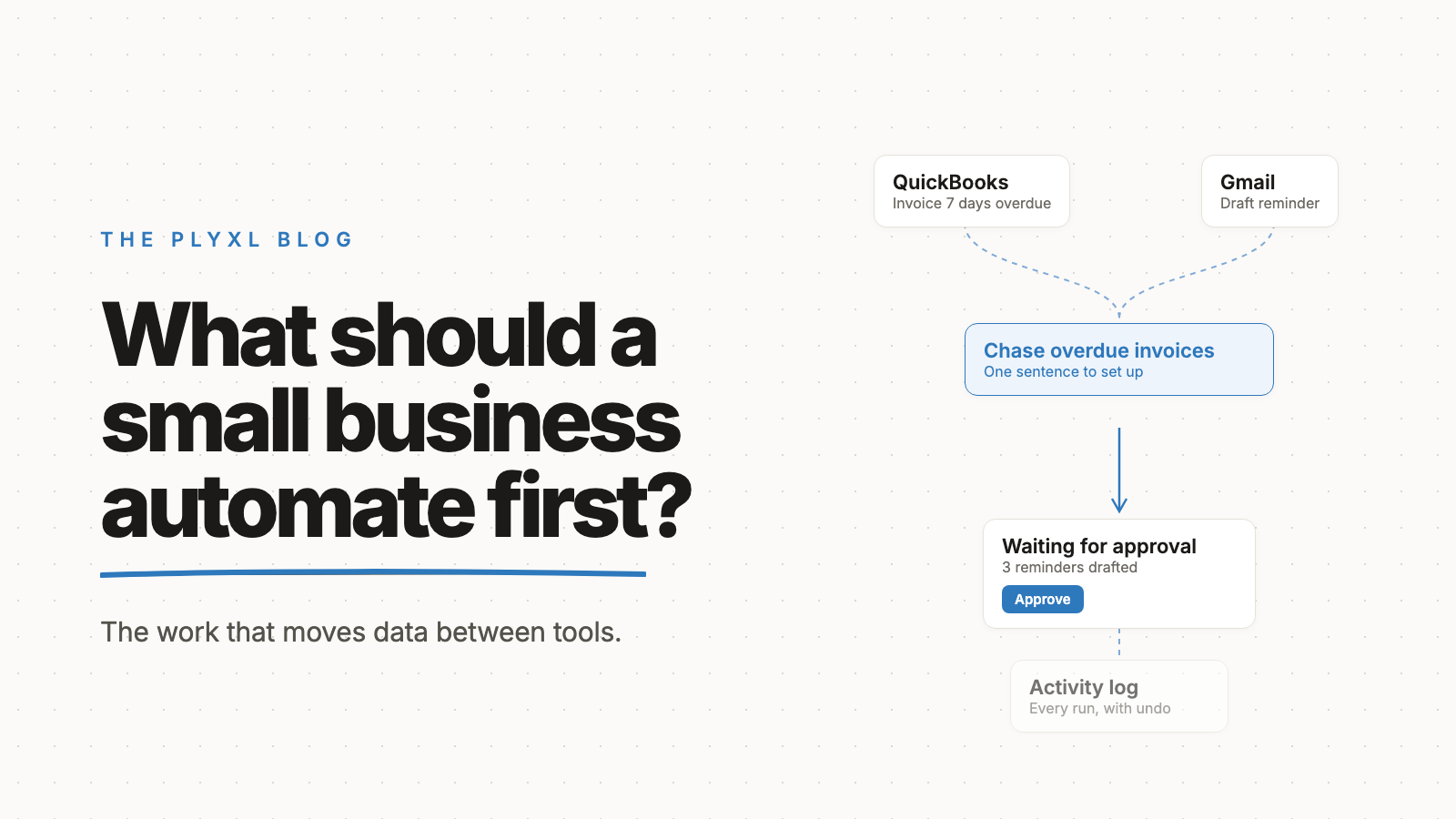
What should a small business automate first?
A small business should automate first the repetitive work that moves information between tools: invoice chasing, intake, reminders. Ten examples.
Read article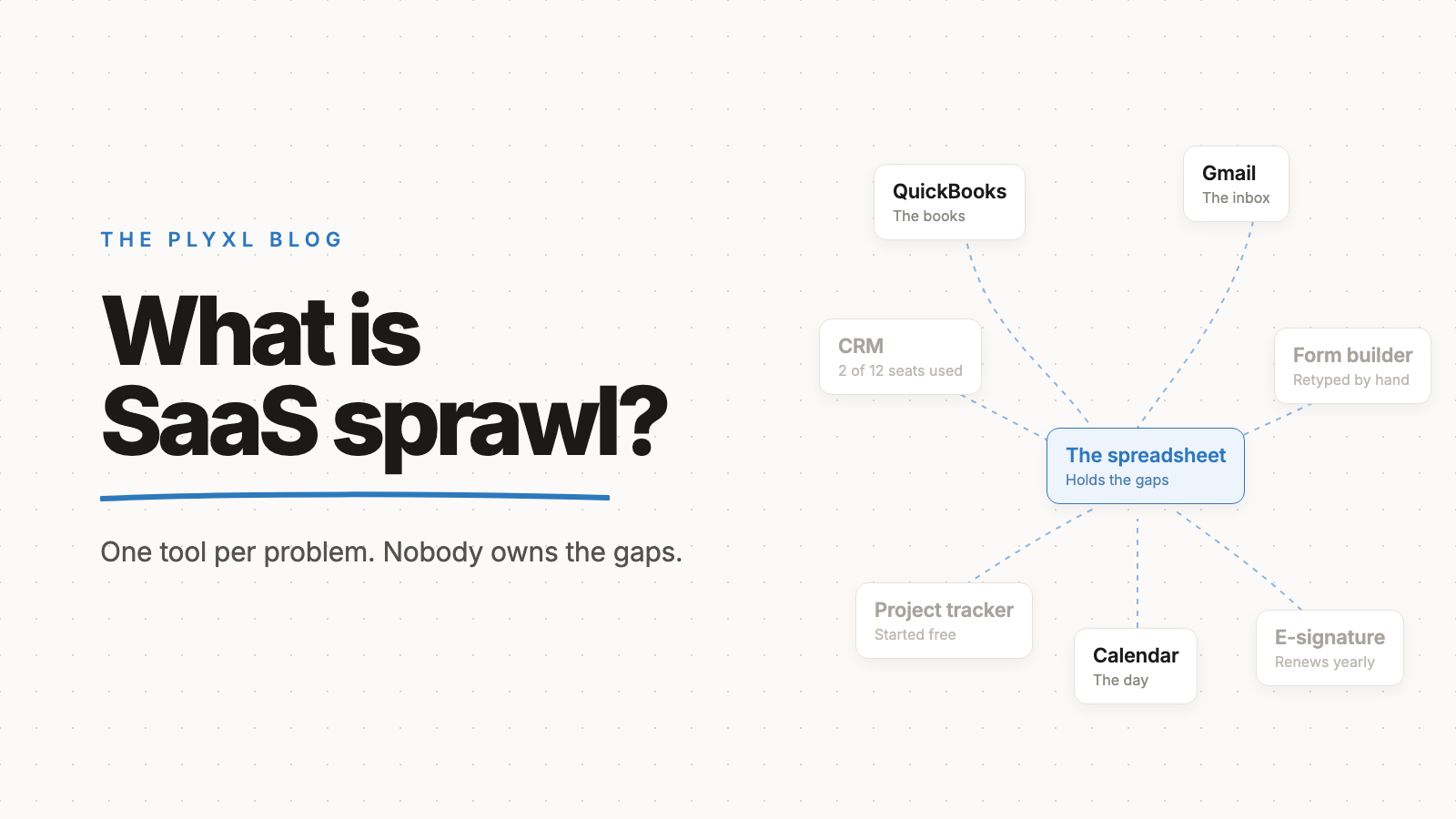
What is SaaS sprawl?
SaaS sprawl is subscription software piling up faster than anyone manages it. How it happens, what it looks like at 10 people, and how to unwind it.
Read article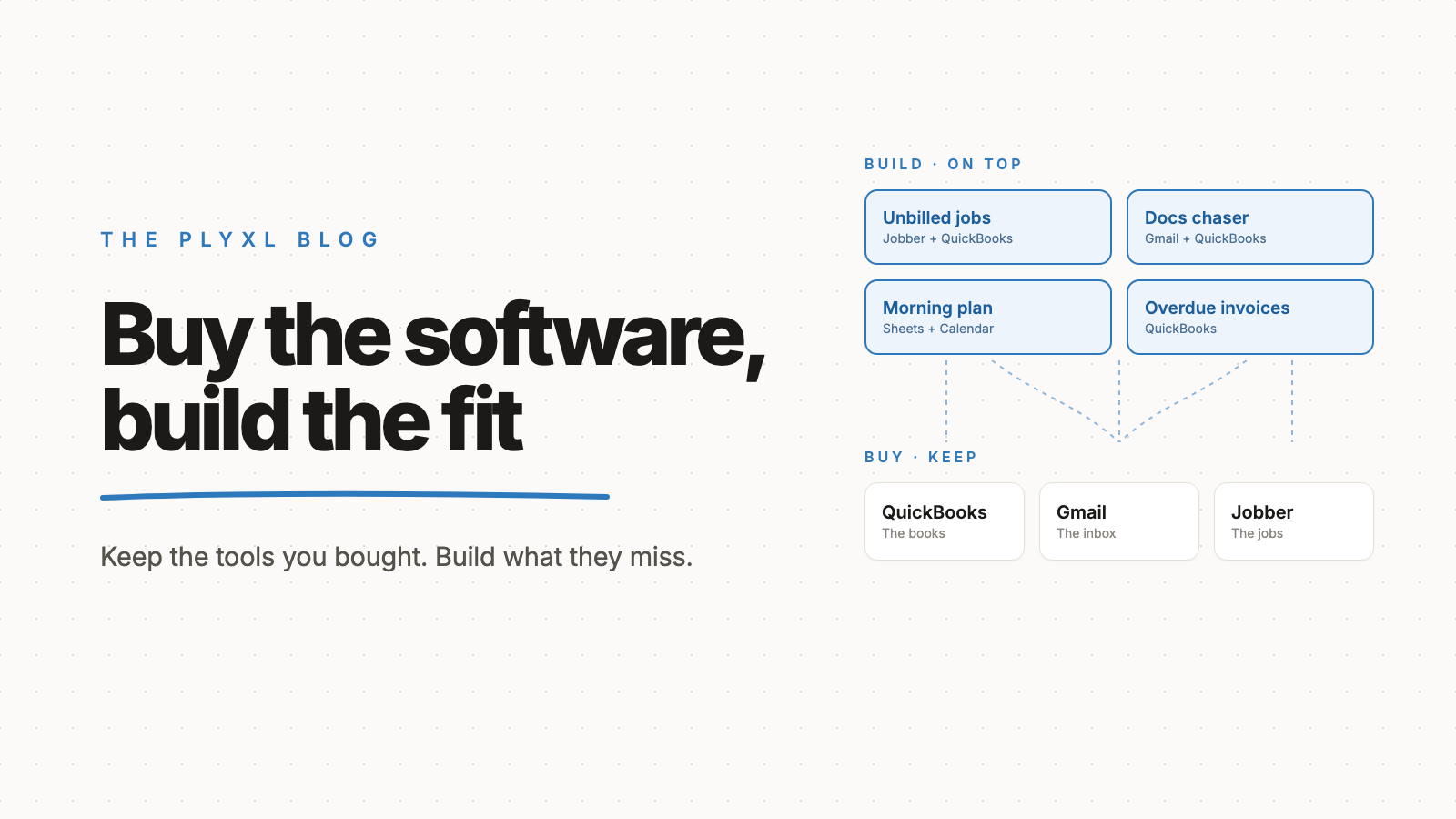
Should a small business buy software or build it?
A small business should buy the software that runs its core records and build the small apps on top that fit how it actually works. Here is why.
Read article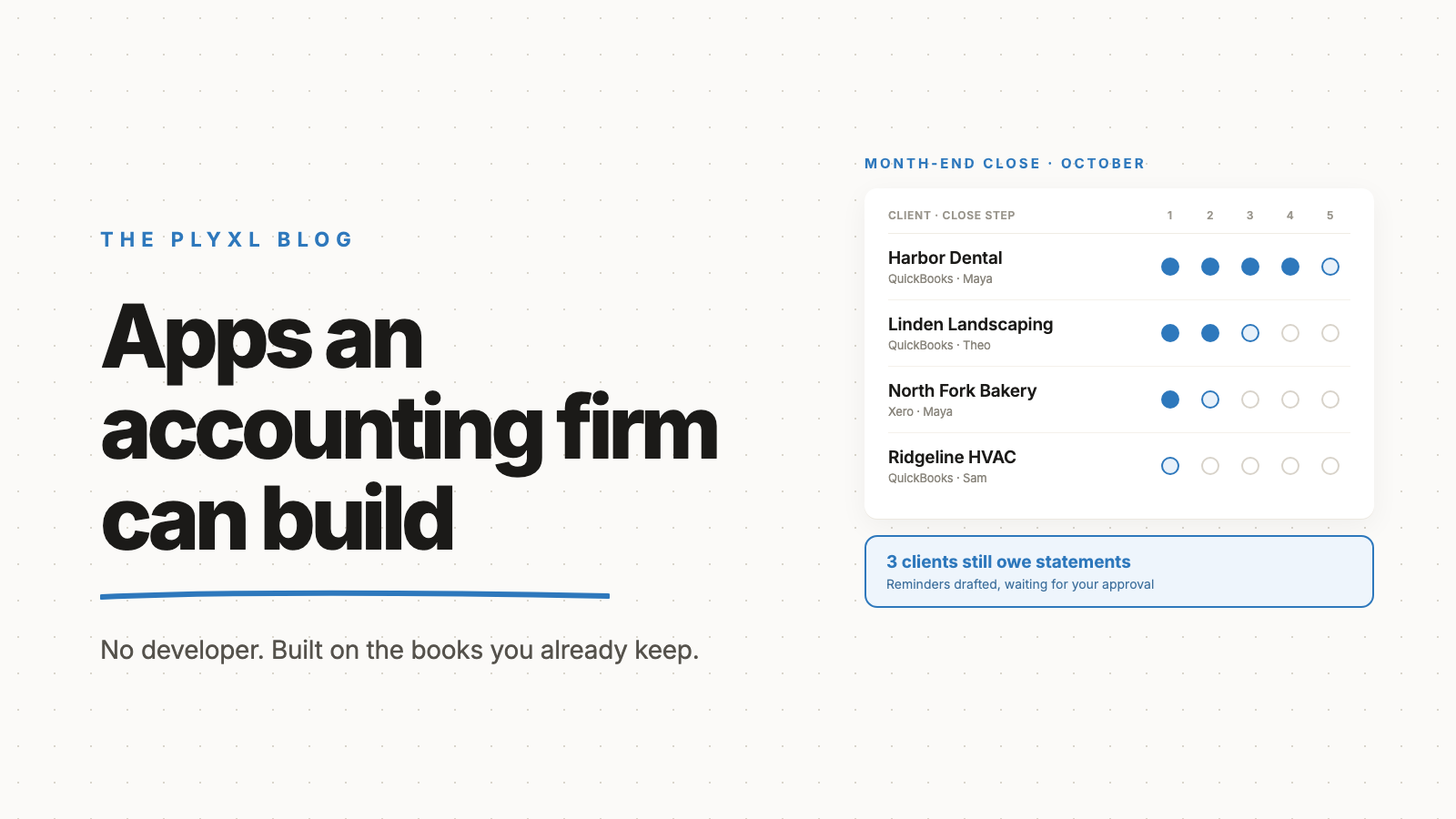
What apps can a small accounting firm build without a developer?
A small accounting firm can build a client status tracker, a missing-documents chaser, a month-end close board, and an onboarding checklist on top of QuickBooks.
Read article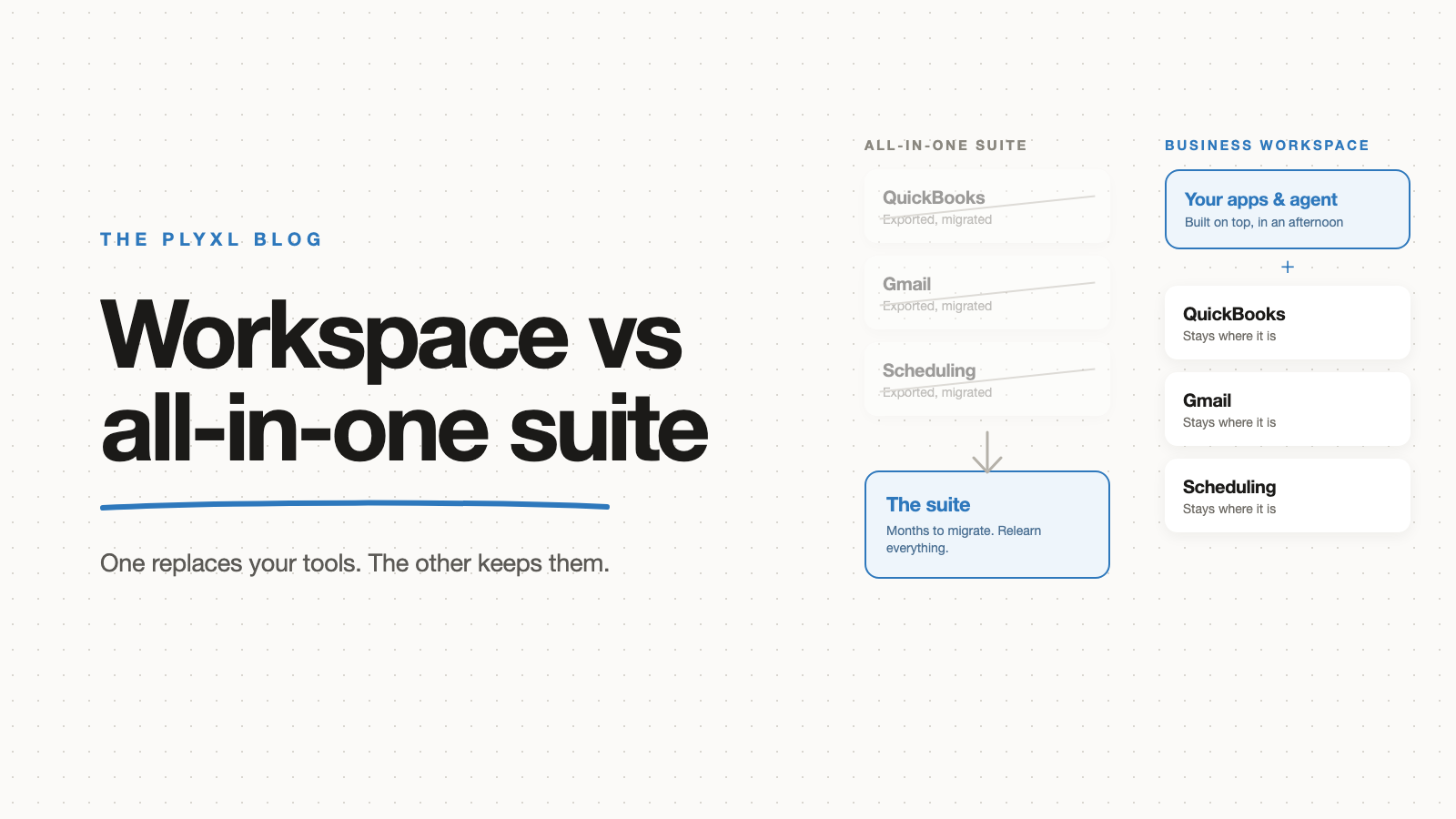
Business workspace vs all-in-one software: which should a small business choose?
A business workspace connects the tools you already use; an all-in-one suite replaces them. For most small businesses the migration decides it.
Read article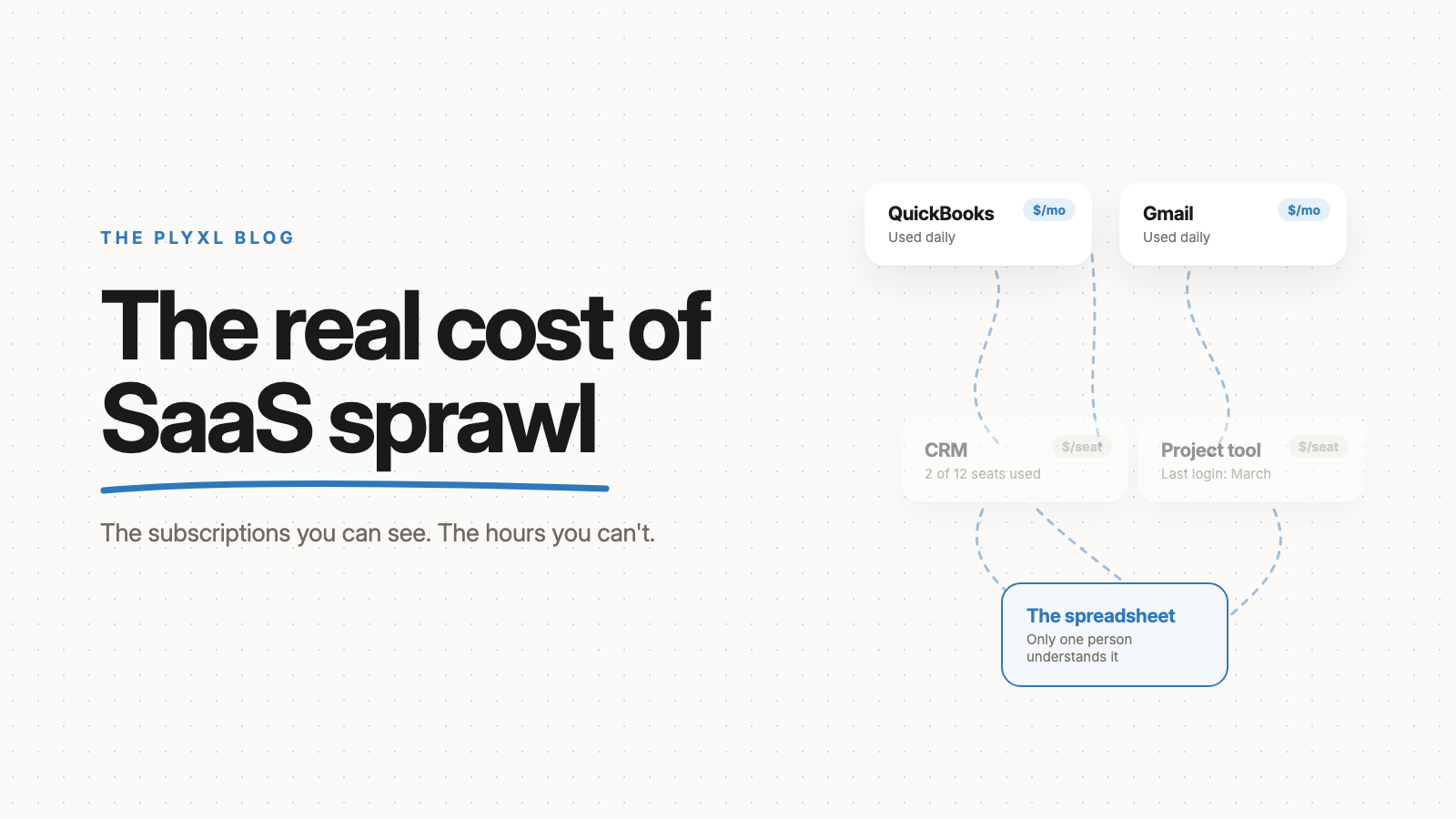
What does SaaS sprawl cost a small business?
SaaS sprawl costs a small business twice: subscriptions it barely uses, and hours spent retyping between tools. The hours are the bigger bill.
Read article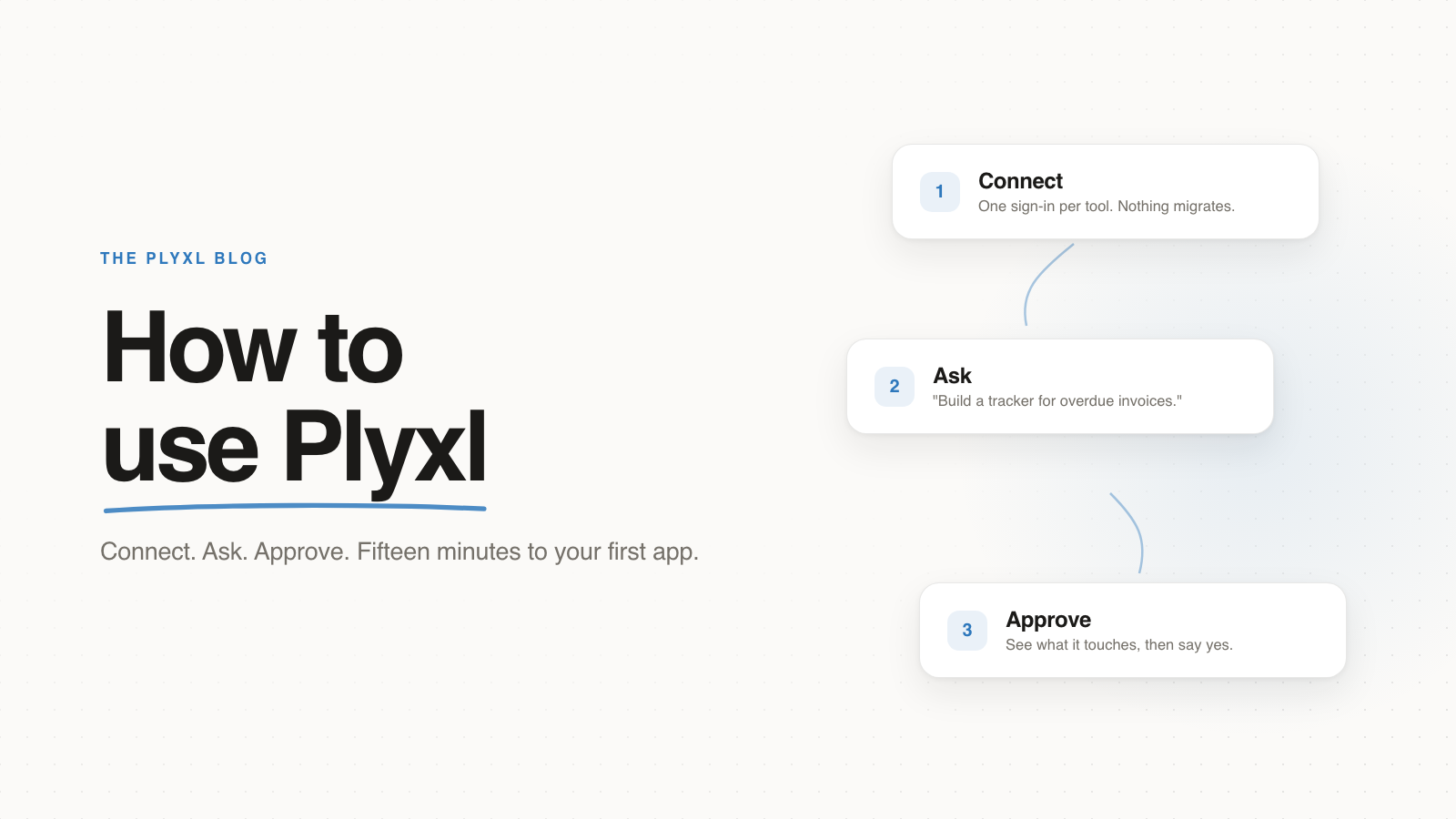
How to use Plyxl
How Plyxl works in three steps: connect the tools your business runs on, describe the software you need, and approve it before it runs. A guide for business owners.
Read article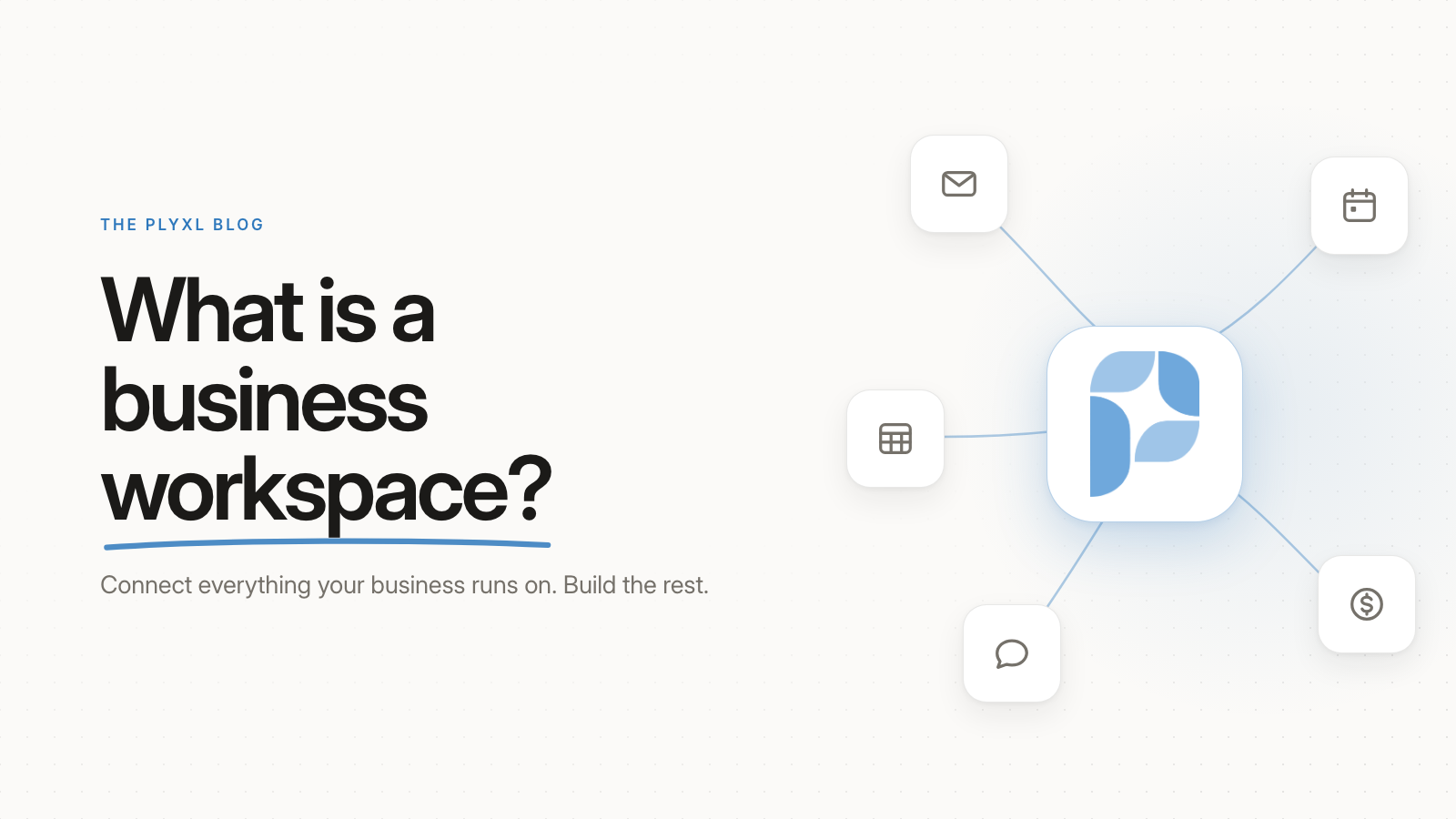
What is a business workspace?
A business workspace connects the tools you already use and lets you build custom apps and automations on top by describing them. No data migration.
Read articleHow a business workspace works
A business workspace sits between the tools a business already runs on and the software the team actually needs. It connects to each tool once, then builds apps, automations, and an agent that read and act across all of them. The tools stay where they are.

Pros and cons of a business workspace
A business workspace is not the right fit for every business. Here is what it does well, and what it costs you, in plain terms.
Pros
- Less copying between tools by hand: the workspace reads and updates each connected tool directly.
- Nothing to migrate, so the team keeps the tools it already knows.
- The person who runs a process can build the app for it in plain language, without a developer.
- Every change waits for approval and lands in an activity log, with undo for the reversible ones.
- One place to see work that is otherwise spread across email, accounting, and spreadsheets.
Cons
- Setup takes time: someone has to connect each tool and describe the first apps and automations.
- There is a learning curve in describing what you want clearly and reviewing what gets built.
- It depends on the connected tools: if a tool is not supported, or its connection breaks, what is built on it stops working until it is fixed.
- It adds to the software bill rather than replacing it, since you keep paying for the tools it connects.
- A business that runs entirely in one app it is happy with has little to connect, and less to gain.
What the research says about switching between tools
In a study of 137 workers at three Fortune 500 companies, published in Harvard Business Review, people toggled between apps and websites nearly 1,200 times a day. That added up to just under four hours a week spent reorienting after switches, roughly 9% of their time at work.[1] The authors put the cause in how work is designed, not in the people doing it:
“Processes and tasks that people execute are designed to span multiple applications and hence the very nature of work today requires such constant toggling.”
Gloria Mark, Chancellor’s Professor of Informatics at UC Irvine, has measured screen attention since 2003. In her recent studies, people stayed on one screen for 47 seconds on average before switching.[2]
“Understand that when we’re switching our attention so fast, this tank of resources that we have leaks because it requires additional effort to reorient to new tasks every time we switch.”
Plyxl plans and pricing
Plyxl is priced per workspace, not per person, so the whole team shares one plan, and every plan is one workspace. Free needs no card, and Enterprise is priced to fit larger businesses. It connects to 200+ tools. Full details are on the pricing page.
| Plan | Price | Best for | Includes |
|---|---|---|---|
| Free | $0, no card needed | Trying it on your business | Everything Plyxl does, with limits: 20,000 AI credits once, not every month; up to 3 connected tools; up to 3 people |
| Enterprise | Talk to us | Larger businesses | Everything Plyxl does; more people; more AI credits; our team whenever you need it |
Glossary
Business workspace
Software that connects to the tools a business already runs on, such as QuickBooks, Gmail, and Google Calendar, and builds the custom apps, automations, and reports the business needs on top of them. Nothing is migrated: every record stays in the tool that owns it.
Tool sprawl
The pile of disconnected software a business accumulates over time, none of which know about each other. Its cost is the people who copy information from one tool to the next by hand, which never appears on any budget line.
Connector
The link between a workspace and one of your tools, made with a single sign-in to that tool. Plyxl has 200+ of them. A connector reads and acts on the data where it lives instead of importing a copy.
App
A screen built for one job in your business, such as a dispatch board or a quote builder, made from a plain-language description and working on your real data from the start.
Automation
Work you describe once and never do again: when something happens, do the thing. For example, when a job is marked done, invoice the customer in QuickBooks and email the invoice.
Agent
An assistant that can read across every connected tool to answer a question like "who owes us money?" and draft the next step. It asks before it sends or changes anything.
Approval
The step where you see what an app, automation, or agent action will read and change before it runs. Nothing touches your accounts until you approve it, and every change afterward is recorded in an activity log.
Frequently asked questions
What is the Plyxl blog about?
The Plyxl blog is about the software small businesses actually run on: QuickBooks, Gmail, Google Calendar, Excel, and the spreadsheets that hold everything the other tools could not. Each post answers one question a business owner would ask, such as what a business workspace is or how to stop copying data between tools by hand. The answer comes first, in plain language, followed by examples from real kinds of businesses: an HVAC company, a bookkeeping firm, a landscaper.
Who is the Plyxl blog for?
The Plyxl blog is for owners, office managers, and operators at small businesses who are tired of being the integration layer between their tools. The office manager who has run dispatch for eight years knows what the dispatch board needs. These posts are written for that person, not for developers, and none of them assume technical skills.
How often does the Plyxl blog publish?
The Plyxl blog publishes a new post every day. The topics are business workspaces, tool sprawl, connecting the tools a business already uses, and building custom apps, automations, and reports from a plain-language description. Plyxl is a business workspace: connect the tools your business runs on, then build the software you need on top. To see what that looks like, start with the tools Plyxl connects to or the pricing.
What is a business workspace?
A business workspace is software that connects to the tools a business already runs on, such as QuickBooks, Gmail, Google Calendar, and Excel, and builds the custom apps, automations, and reports the business needs on top of them. Nothing is migrated: every record stays in the system that owns it, and the workspace reads and acts across all of them from one place. A business workspace replaces the work of switching between disconnected tools, not the tools themselves.
How does a business workspace improve operations?
A business workspace improves operations by taking the copying between tools off the team. When QuickBooks, Gmail, and the spreadsheets do not talk to each other, somebody reads the customer’s email, checks the invoice, updates the status, and writes the reply by hand. A business workspace reads and acts across every connected tool from one place, runs automations such as “when a job is marked done, invoice it”, and lets the person who runs a process build the app for it in plain language. Anything that would change the business waits for approval first, and every change lands in an activity log where it can be undone.
How does Plyxl integrate with existing tools?
Plyxl connects to 200+ tools a business already runs on, including QuickBooks, Gmail, Google Calendar, Google Drive, Xero, and Shopify. Connecting one is a single OAuth sign-in, and an admin can connect a tool for the whole team at once. Nothing is imported or migrated: records stay in the tool that owns them, the team keeps using those tools as before, and Plyxl reads and acts on them through the connection.
What types of businesses benefit from a business workspace?
Small businesses whose work is spread across several tools benefit most: a field service company that schedules in one tool and invoices in another, a bookkeeping firm that lives in QuickBooks and email, a landscaper who quotes in a spreadsheet and books jobs on a calendar. The common thread is a person copying information from one tool to another by hand. A business that runs entirely inside one piece of software, and is happy with it, has less to gain.
Do I have to move my data into Plyxl?
No. Plyxl connects to the tools you already use through one sign-in each. Every record stays in the system that owns it, and your team keeps using those tools exactly as before.
Can Plyxl change things in my accounts without asking?
No. Every app and automation comes with a plain statement of what it looks at and what it can change, and nothing runs until you approve it. Anything the agent wants to send or change on your behalf is shown to you first, and every change lands in an activity log with undo beside the reversible ones.
Do I need technical skills to use a business workspace?
No. You describe the app or automation you need in plain language, the same way you would explain it to a person, and approve what gets built before it runs. The people best placed to build are the ones who run the process, not developers.
Sources
- Rohan Narayana Murty, Sandeep Dadlani, and Rajath B. Das. How Much Time and Energy Do We Waste Toggling Between Applications?. Harvard Business Review, August 29, 2022.
- Cara Capuano, UC Irvine, interviewing Gloria Mark. Can’t pay attention? You’re not alone. University of California, May 11, 2023.