Should a small business use one tool for everything or the best tool for each job?
Written by Mitch Crevier and Aarush Bhardwaj
6 min read
TL;DR
Most small businesses should use the best tool for each job and connect those tools, rather than forcing everything into one tool. One tool for everything is simpler on paper but weaker at each job and expensive to switch into. Many separate tools are stronger at each job but leave people retyping between them. The choice is a false binary: a business workspace keeps the specialist tools and adds one place on top where their data meets.
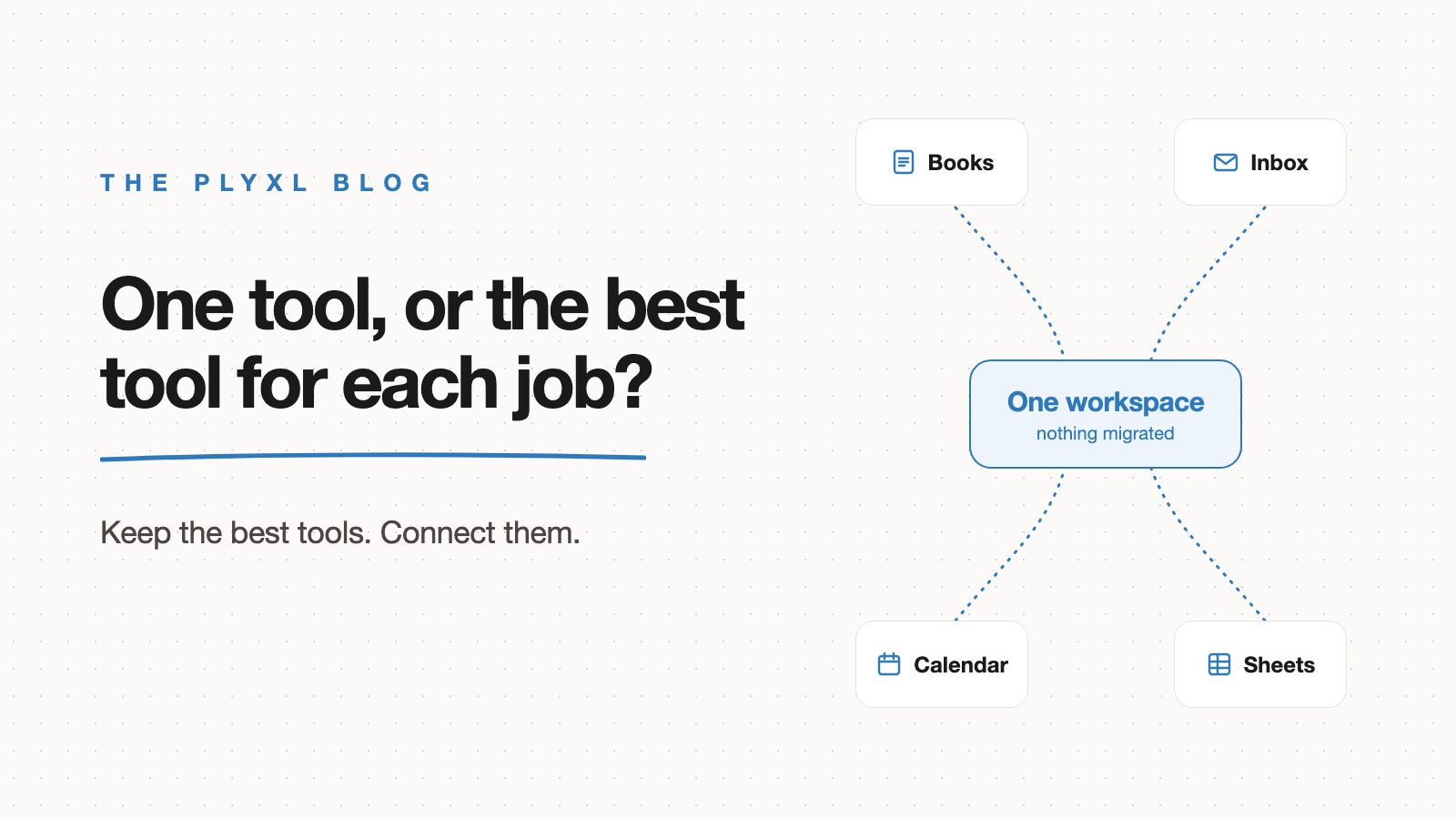
Most small businesses should use the best tool for each job and connect those tools, rather than forcing everything into one tool. One tool for everything is simpler on paper, but it is weaker at each job and costly to move into. Many separate tools are stronger at each job, but they leave people retyping between them. The real answer is that the choice is a false binary: keep the specialist tools and add one place on top where their data meets.
Below is how the two approaches compare, why the tradeoff exists, and how a small business decides what to do with the tools it already has.
What is the difference between one tool and best-of-breed tools?
One tool for everything is a single product that covers accounting, customers, scheduling, and communication under one login. Best-of-breed means picking the strongest tool for each job: QuickBooks or Xero for the books, Gmail for email, Google Calendar for scheduling, Notion or a spreadsheet for internal notes.
A one-tool approach trades depth for consistency. Every module shares one database, so a customer record is the same everywhere. A best-of-breed approach trades consistency for depth. Each tool is excellent at its job, and each one keeps its own copy of the customer.
Which is better for a small business, one tool or many?
Neither approach wins outright for a small business, because each one fails in a predictable place. The table shows where.
| One tool for everything | Best tool for each job | Best tools, connected in a workspace | |
|---|---|---|---|
| Strength at each job | Adequate in most areas, strong in few | Strong in every area | Strong in every area |
| Where data lives | One database | Scattered across tools | Stays in each tool, read together in one place |
| Getting started | A migration project | Already done | One sign-in per tool, nothing moved |
| Daily retyping | Low | High | Low |
| Switching cost later | High, everything is inside one vendor | Low per tool | Low per tool |
| Custom needs | Limited to what the vendor builds | Limited to what each tool offers | Apps built on top from a description |
The pattern is that one tool solves the retyping and creates lock-in, while many tools avoid lock-in and create retyping. The business workspace vs all-in-one suite post goes deeper on the head-to-head.
Why does using many tools cost so much time?
Using many tools costs time because people become the integration between them, carrying the same information from one screen to another by hand. A quote approved in Gmail gets retyped into QuickBooks, a finished job on the calendar gets copied into an invoice, and a status update gets pasted into a spreadsheet.
That switching has been measured. A 2022 Harvard Business Review study by Rohan Narayana Murty, Sandeep Dadlani, and Rajath B. Das tracked workers at three Fortune 500 companies and found they toggled between apps and websites nearly 1,200 times a day, losing just under four hours a week reorienting. A small business has fewer tools than a Fortune 500 company, and the same per-switch cost.
The number of tools also keeps growing. Okta's Businesses at Work 2025 report found its customers use an average of 101 apps, crossing 100 for the first time. Those are Okta customers, larger than a typical small business, but the direction holds: tools get added faster than they get removed. The what is SaaS sprawl post covers how that happens.
Why not just move everything into one tool?
Moving everything into one tool means a migration project, and migrations are where small businesses lose the most time and data. Years of invoices, customer history, and email threads have to be exported, mapped, cleaned, and checked, while the business keeps running on the old tools.
The one tool also has to be good enough at every job at once. An all-in-one product with weak accounting pushes the bookkeeper back to QuickBooks within a year, and the business ends up with one tool plus the specialist it was meant to replace. The connect vs migrate post makes the full case against switching.
How does a business workspace make best-of-breed work?
A business workspace makes best-of-breed work by connecting the tools a business already uses and giving their data one place to meet, without moving it. Each tool stays the system of record for its job. The workspace reads across them and builds the views and apps that used to require retyping.
In practice that means connecting QuickBooks, Gmail, and Google Calendar once, then describing what you need: a job board that shows every open job with its invoice status, or an overdue list that checks the inbox for replies. The specialist tools keep doing what they are best at. The gaps between them stop being someone's job.
What does this look like in practice?
In practice, a business keeps its tools and adds the missing layer on top. Three illustrative examples, each a typical business rather than a specific customer:
- A 12-person HVAC company runs scheduling in Google Calendar, invoicing in QuickBooks, and customer email in Gmail. An all-in-one field service product would replace all three and require moving years of customer history. Instead the company connects the three tools and builds a job board that shows each job, its invoice, and the last email with the customer on one screen.
- An eight-person bookkeeping firm uses Xero for client books, Gmail for client communication, and a spreadsheet to track month-end status. The spreadsheet is the weak link, because someone updates it by hand. The firm connects Xero and Gmail and builds a client status board that reads both, and the spreadsheet retires.
- A landscaping company tried moving everything into one tool, then went back to QuickBooks for the books because the bookkeeper needed it. Now it runs both and retypes between them. Connecting both to a workspace removes the retyping without forcing a choice between them.
How should a small business decide what to do with its tools?
A small business should keep every tool that is the best at its job and that people actually use, and replace only the tools nobody would miss. Then it should connect what remains, instead of searching for one product that does everything.
Three questions sort each tool: does anyone open it weekly, is it the place the real answer lives, and would replacing it mean moving years of data? A tool that passes all three stays. The list of supported connections shows which tools a workspace can read from today.
Plyxl is a business workspace: connect the tools your business runs on, then build the software you need on top. Each tool connects with one OAuth sign-in, an app builds from a description in about a minute, and nothing is sent or changed without your approval. The Free plan needs no card, and pricing has the details. Start at plyxl.com, connect the tools you already use, and describe the screen you wish they shared.
Frequently asked questions
Is one tool for everything cheaper than many tools?
Sometimes on the invoice, rarely in total. One tool can cost less per month, but the business pays in migration time, retraining, and the jobs the tool does poorly. Compare the full cost, not the subscription line.
When does an all-in-one tool make sense for a small business?
An all-in-one tool makes sense for a new business with little data to move and ordinary needs in every area. Once a business depends on a specialist tool like QuickBooks, replacing it usually costs more than it saves.
How many tools is too many for a small business?
There is no fixed number. Tools become too many when people spend their week copying the same information between them, or when nobody can say which tool holds the current answer.
Do I need Zapier to connect my business tools?
No. Zapier connects tools one trigger at a time, which works for simple handoffs. A business workspace connects each tool once and lets you build apps and views across all of them.
Will connecting my tools mean switching away from them?
No. Connecting reads from and, with approval, writes to the tools you already use. QuickBooks, Gmail, and your calendar stay exactly where they are.